Updated August 16, 2026
Default controls
The current EA supports keyboard and controller. For the cleanest session, connect one controller before launch and avoid changing input devices while moving through menus or battles.
| Action | Keyboard | Controller |
|---|---|---|
| Move | W A S D | Left stick / D-pad |
| Confirm / interact | Space or Enter | A / bottom face button |
| Cancel / menu | Tab or Esc | B / right face button |
| Run | Hold Left Shift | Hold B |
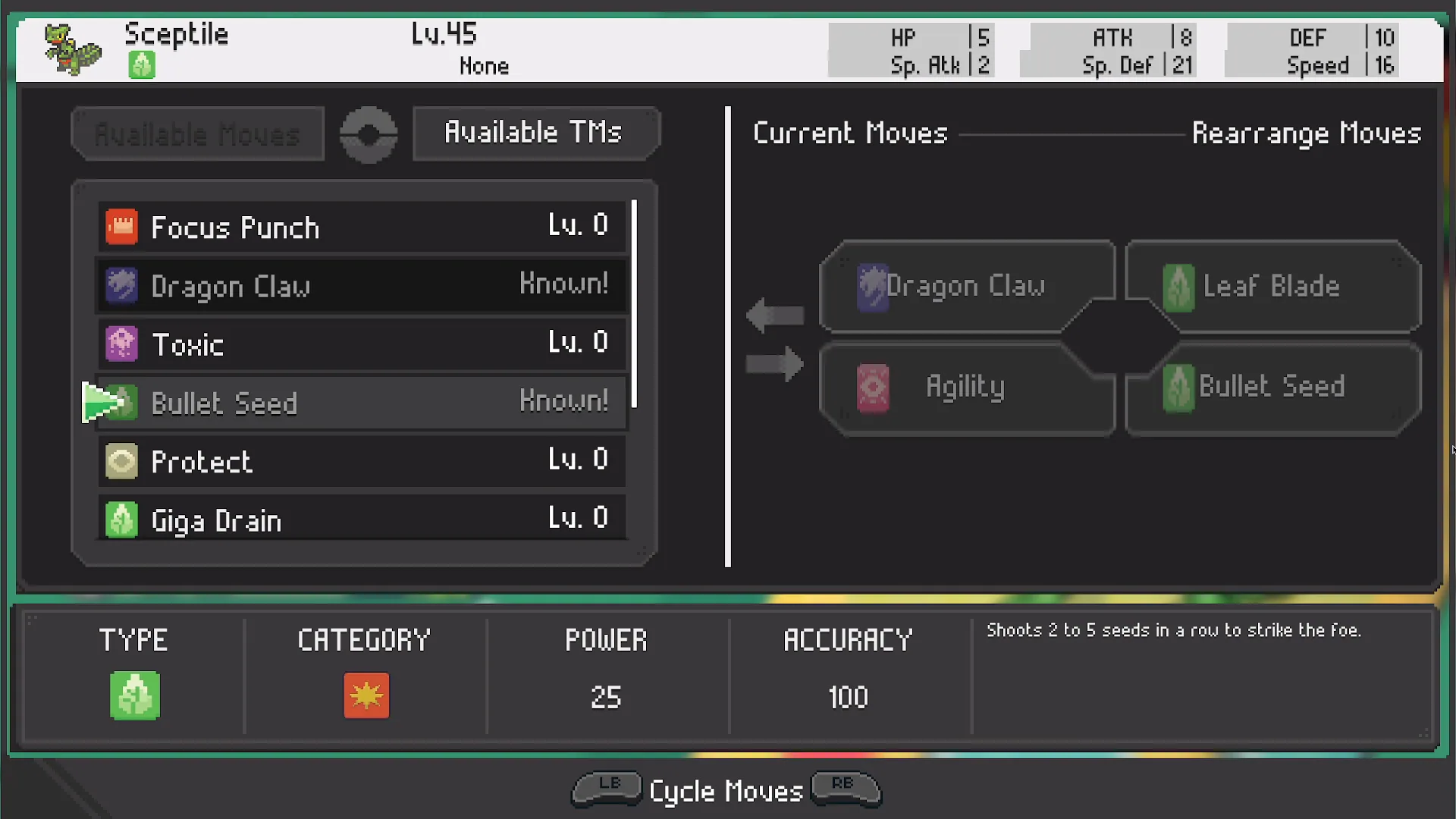
| Cycle / shoulders | Q / E | LB / RB |
| Bike / registered action | R | Select / left face button |
| Fish | F | X / left face button |
Keyboard tips
- Use WASD for both overworld movement and menu navigation.
- Hold Left Shift to run; tapping it does not toggle running.
- Use Q and E for shoulder-style cycling in supported interfaces.
- R handles the bike or registered action.
- F is the fishing action.
Controller not detected?
Close the game, disconnect extra pads or virtual devices, reconnect the preferred controller, then launch again. Steam Input can help some pads but can also create a duplicate virtual controller, so change only one layer at a time.