Updated August 16, 2026
Minimum and recommended PC specs
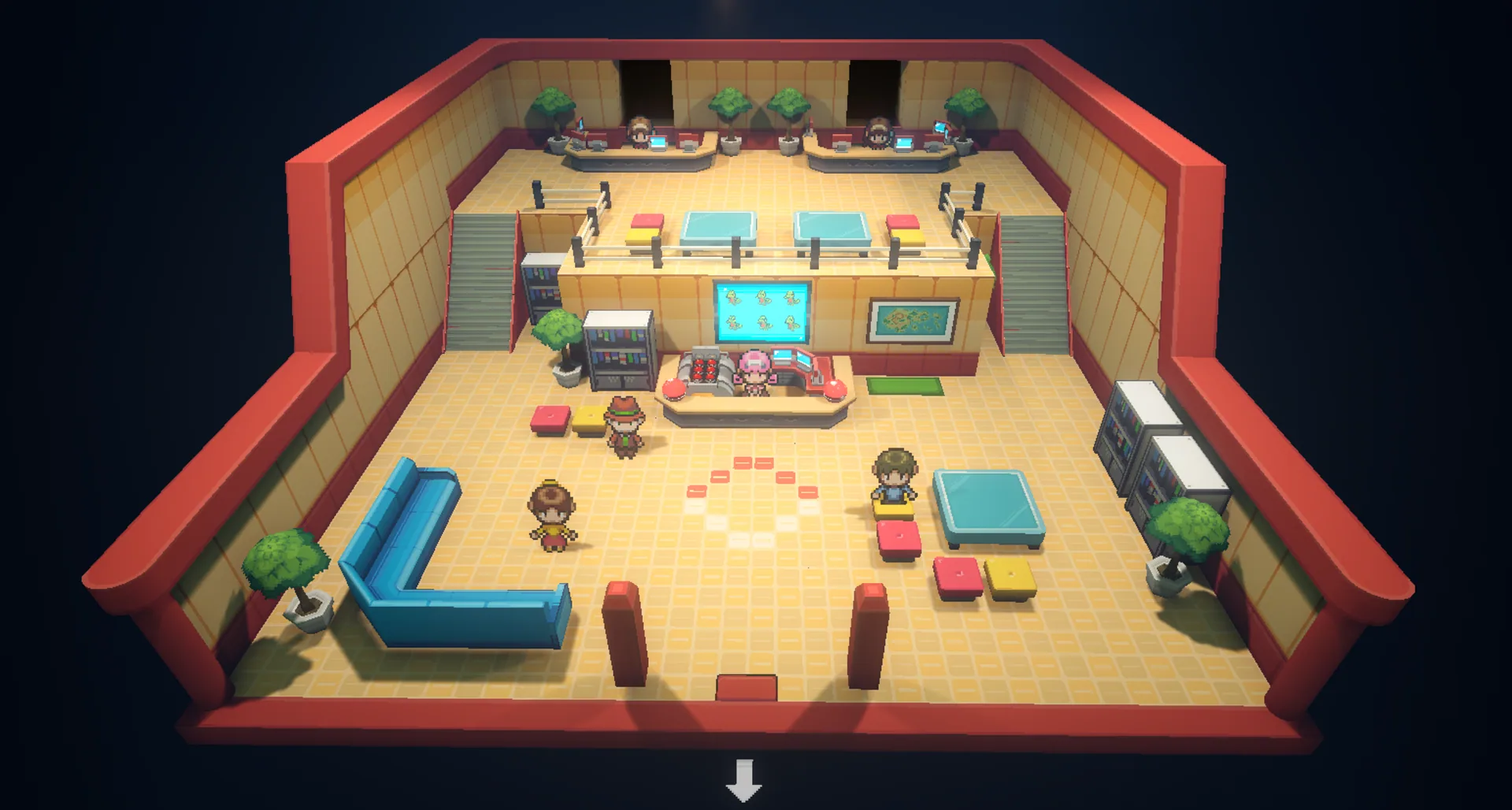
Gamma Emerald is a modern Unreal Engine 5 project despite its pixel-character presentation. The environment lighting, 3D scenes and shader pipeline make its hardware needs much closer to a current PC game than a Game Boy Advance title.
| Component | Minimum | Recommended |
|---|---|---|
| Operating system | Windows 10 64-bit | Windows 10 or 11 64-bit |
| Memory | 8 GB RAM | 16 GB RAM |
| Graphics | GTX 1060 / RX 580 class | GTX 1060 / RX 580 or better |
| Storage | 5 GB free | 5+ GB on an SSD |
| First launch | Allow shader compilation to finish | Wait several minutes before troubleshooting |
Why an SSD and 16 GB RAM help
Routes and towns can load asynchronously while you move between areas. Low available memory or slow storage increases the chance of hitching around map transitions and battles. Closing browsers, launchers and recording tools creates more headroom.
- Keep more than the nominal 5 GB free so Windows and the shader cache are not competing for the last space.
- Install to an SSD when possible.
- Use 1280×720 or 1600×900 before reducing several settings at once.
- Update the GPU driver if Unreal Engine closes before reaching the title screen.
- Avoid switching repeatedly between controller and keyboard during a session.
Supported platform boundary
| Platform | Status | What that means |
|---|---|---|
| Windows 10/11 64-bit | Current build | The developer’s supported download target. |
| Steam Deck / Linux | Experimental | Proton results vary and there is no native Linux release. |
| Android / iOS | No native build | Not available as an APK or mobile app. |
| macOS | No current build | The EA download is Windows-only. |
If your PC meets the specs but the game fails
Requirements are a starting boundary, not a guarantee for every driver and laptop configuration. Follow the crash flow in order so you can identify whether the blocker is shader time, storage, settings, graphics, or a reproducible game issue.